




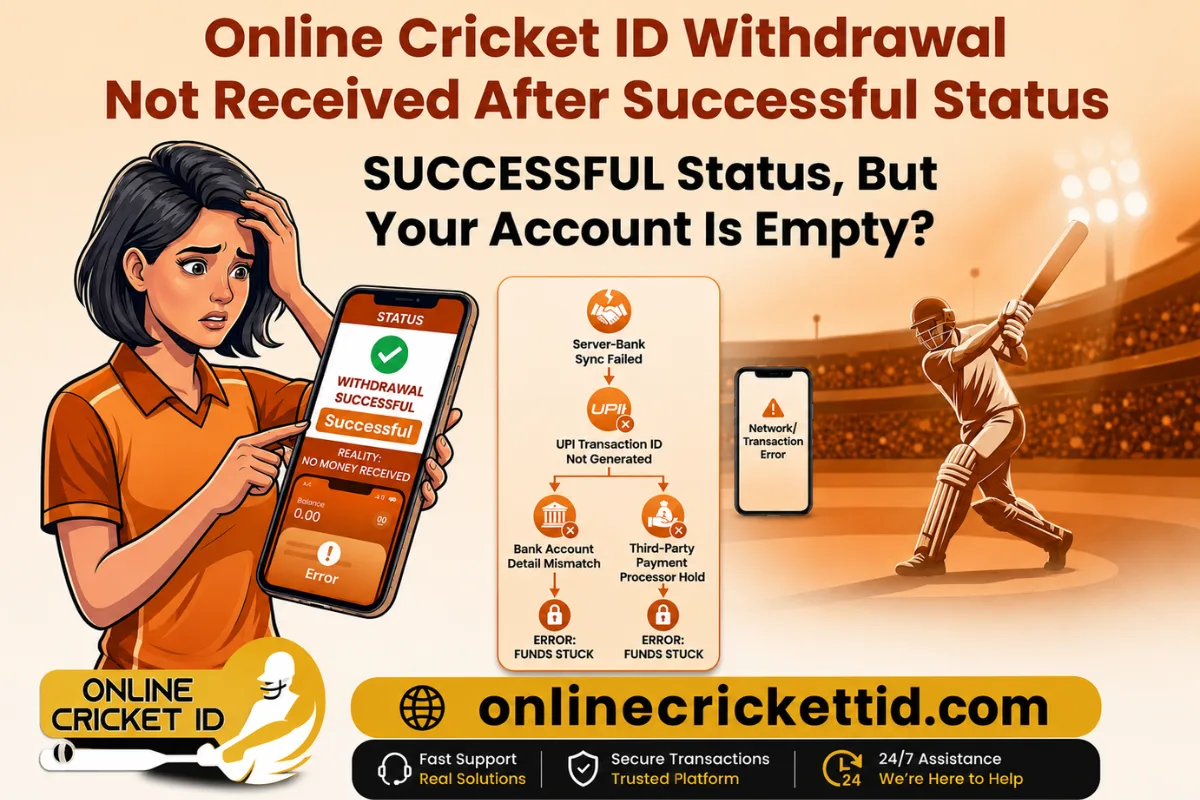
Online Cricket ID Withdrawal Not Received After Successful Status
If your online cricket ID withdrawal not received after showing “successful,” then something is already wrong in the process. A successful status on the screen does not guarantee money has actually reached your bank or wallet. It only means the platform has initiated the transaction — not completed it.
If money is not received after withdrawal, think logically, without confusion or false hope.
Main Reasons Your Online Cricket ID Withdrawal Not Received
Now let’s get to the real causes. No sugarcoating — most delays fall into these categories.
1. Payment Gateway Delay (Most Common Issue)
Even if the platform processes instantly, payment gateways can take:
- 15 minutes to 48 hours
- Sometimes even longer during peak traffic
If your money is stuck here, the platform won’t show failure — it will still say “successful.”
2. Bank Processing Delay
Banks don’t process every transaction instantly. Issues happen when:
- UPI servers are slow
- Bank maintenance is ongoing
- Weekend or holiday delays occur
So your online cricket ID withdrawal not received may simply be a banking delay, not a failed payment.
3. Wrong UPI ID or Bank Details
This is a serious mistake many users ignore.
If even one detail is incorrect:
- UPI ID typo
- Wrong account number
- Mismatched IFSC code
The system may still show “successful,” but funds go into a failed or pending settlement loop.
4. Platform-Level Fraud or Fake ID System
Here’s the uncomfortable truth:
Some online cricket ID systems are not fully regulated. In such cases:
- “Successful” status is manually updated
- No real payout is actually triggered
- Support delays or ignores complaints
If your withdrawal is stuck beyond 48–72 hours, this risk becomes real.
5. Transaction Reversal or Pending Status
Sometimes the transaction is:
- Reversed automatically by the bank
- Held in pending verification
- Stuck in reconciliation queue
In these cases, the platform still shows success, but backend settlement hasn’t been completed.
What You Should Do Immediately
If your withdrawal successful but not received situation is real, follow a structured approach.
Step 1: Check Bank Statement (Not App Notification)
Don’t rely on screenshots or app status. Check:
- SMS alerts
- UPI transaction history
- Bank statement (actual ledger entry)
Step 2: Wait Minimum 24–48 Hours
This is not optional. Most “missing” withdrawals resolve within this window.
If you panic too early, you end up chasing a transaction that is still processing.
Step 3: Verify Transaction ID (UTR Number)
Ask the platform for:
- UTR number (Unique Transaction Reference)
If they cannot provide it, that is a red flag.
Step 4: Contact Support with Proof
Send:
- Screenshot of withdrawal status
- Registered ID or account details
- Date and time of request
Be direct. No emotional messages — support systems respond to structured complaints.
Step 5: Escalate If No Response in 72 Hours
If there is still no update:
- Contact payment gateway support (if known)
- Raise dispute through your bank (for UPI transfers)
This step separates real delays from fake systems.
Common Mistakes Users Make
Let’s be blunt — most users make the situation worse by doing this:
- Repeated withdrawal requests (creates confusion)
- Trusting app status blindly
- Not tracking UTR numbers
- Ignoring bank-side confirmation
- Waiting without escalation
If you are serious about resolving online cricket ID withdrawal not received, stop relying only on the app. User also fix there cricket betting id common problem with practical tips
How to Avoid This Problem in Future
If you don’t want this headache again, follow these rules:
- Use only verified payment methods
- Always double-check UPI or bank details
- Withdraw smaller amounts first to test system reliability
- Keep transaction IDs saved
- Avoid platforms with no clear support system
If a system is transparent, withdrawals rarely get stuck.
When You Should Consider It a Serious Issue
Not every delay is fraud, but you should take action if:
- 48–72 hours passed with no credit
- No UTR number provided
- Support stops responding
- Same issue repeats multiple times
At that point, it’s no longer a “delay problem” — it’s a reliability problem.
Quick Solution
The issue of online cricket ID withdrawal not received is usually caused by delays in banking systems, payment gateways, or incorrect details. But in some cases, it can indicate poor platform reliability.
The key mistake is assuming “successful” means “completed.” It doesn’t.
Be systematic:
- Verify bank records
- Track UTR
- Wait reasonable time
- Escalate properly
Frequently Asked Questions (FAQ)
1. Why is my online cricket ID withdrawal not received after showing successful?
This usually happens due to payment gateway delay, bank processing time, or pending settlement from the platform side. “Successful” status means the request was processed, not that money has reached your account.
2. How long does it take for withdrawal to reflect in the bank?
Most withdrawals take 15 minutes to 48 hours. In some cases, especially during weekends or peak traffic, it may take up to 72 hours.
3. What should I do if withdrawal is successful but money is not credited?
You should:
- Check your bank statement (not just app notification)
- Wait at least 24–48 hours
- Ask for UTR number from support
- Contact your bank if delay continues
4. What is a UTR number in withdrawal transactions?
UTR (Unique Transaction Reference) is a tracking ID for your payment. It helps trace the transaction in case money is stuck or delayed.
5. Can a successful withdrawal still fail?
Yes. Sometimes the platform marks it successful, but the transaction:
- gets stuck in banking queue
- fails at payment gateway
- or gets reversed automatically
DISCLAIMER
Online betting involves financial risk. Please participate responsibly and only with money you can afford to lose. This content is provided for informational purposes only.